Atlas company intelligence
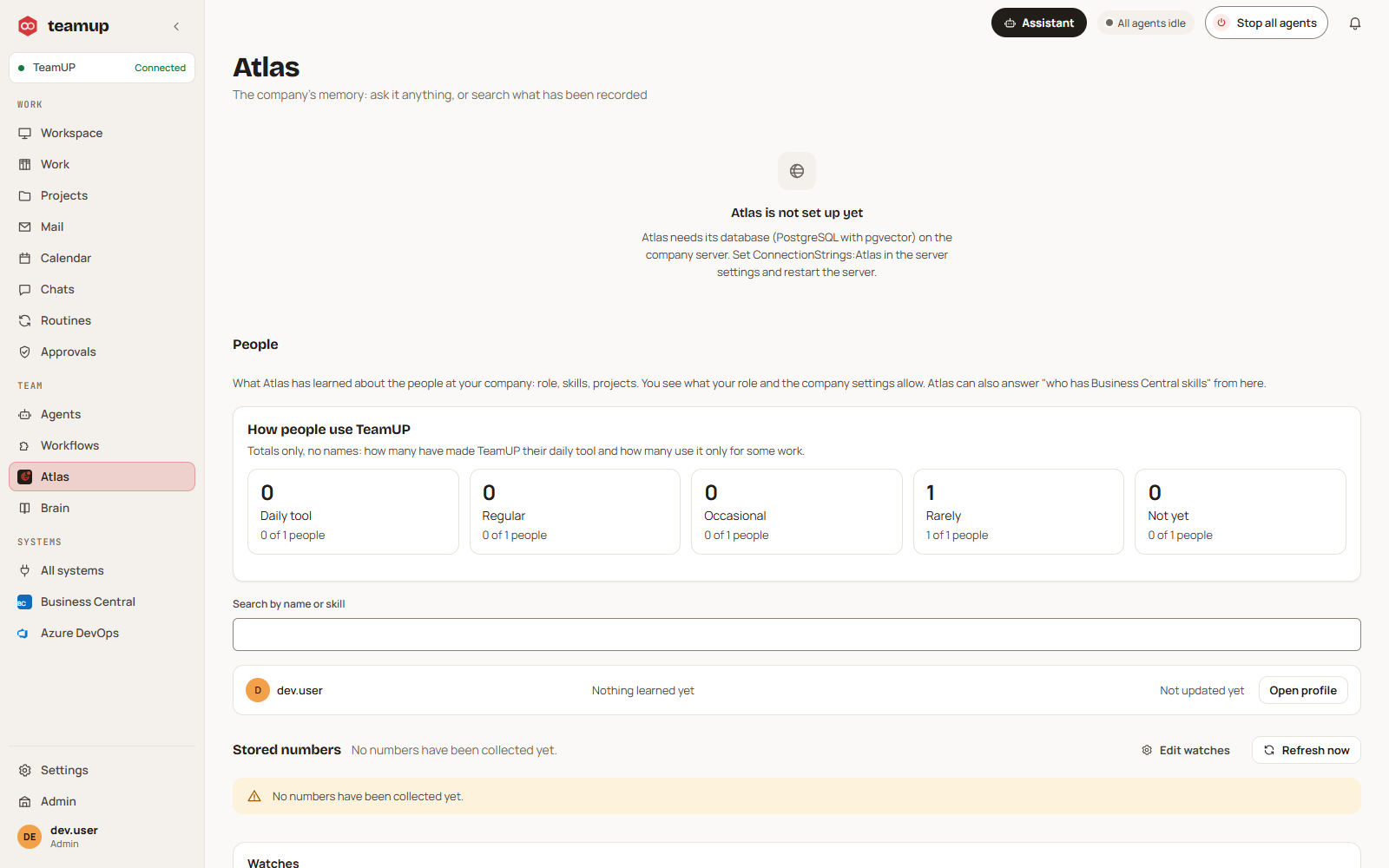
Atlas answers from the company's own material. Every answer is limited to what the person asking may see, and it never acts by itself: it hands work to agents.
The story of our logo, and then the real screens.
These are screens of the running application, not mock-ups.
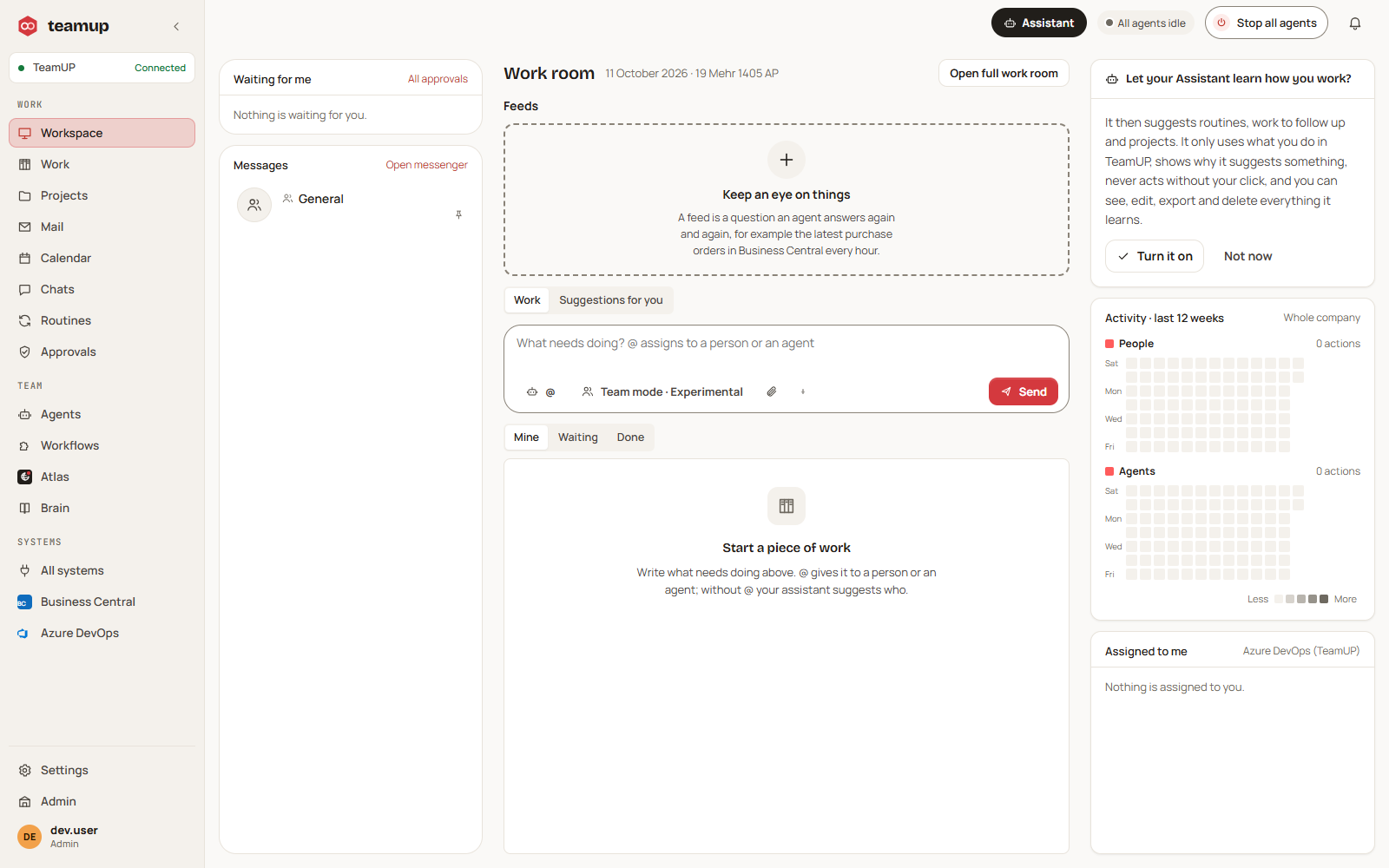
Start work here: write what needs doing, and mention a colleague or an agent.
Search and ask across company material, limited to what you may see.
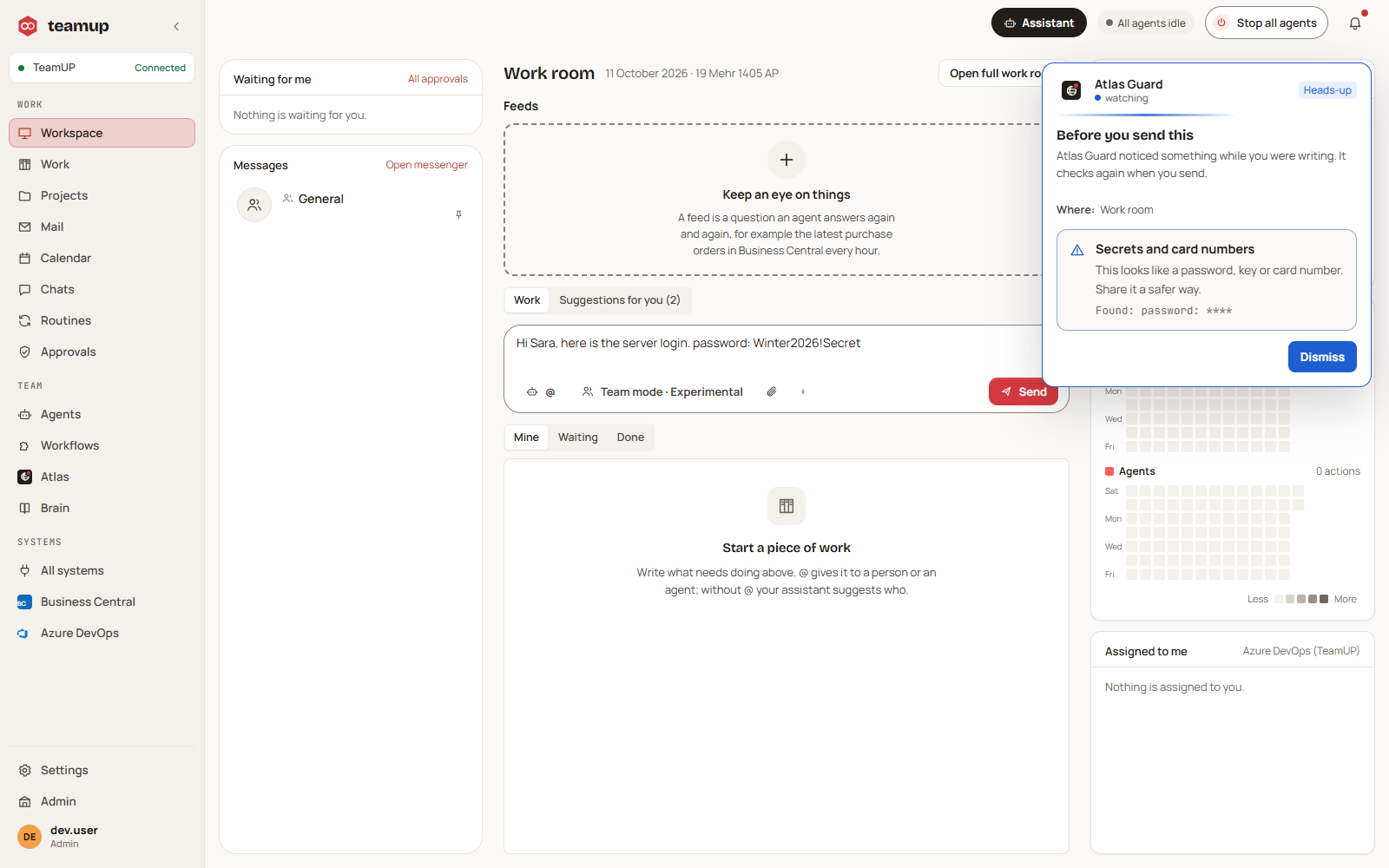
A warning before a message with a secret or a broken company rule is sent.
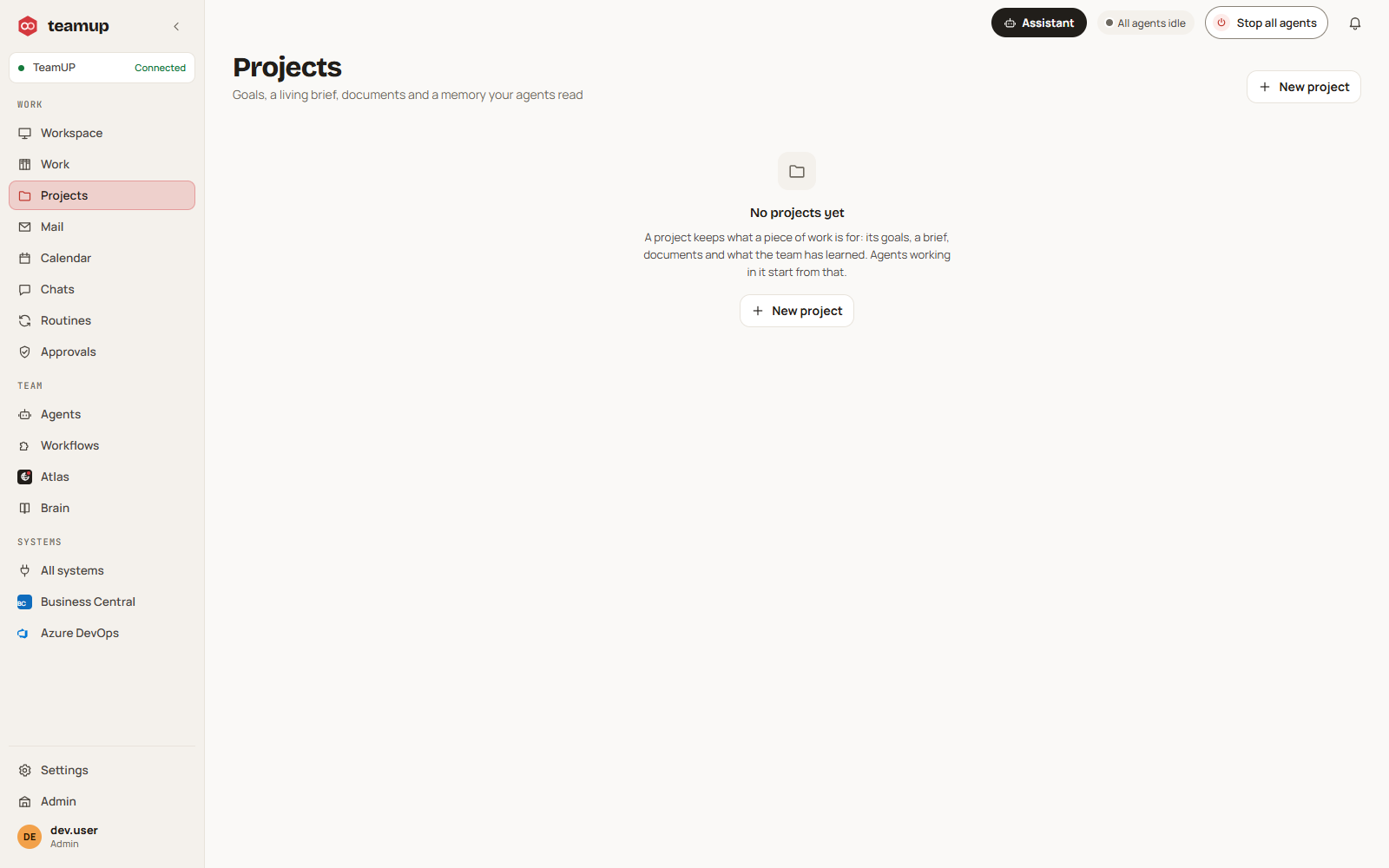
Each project keeps its own chat and history.
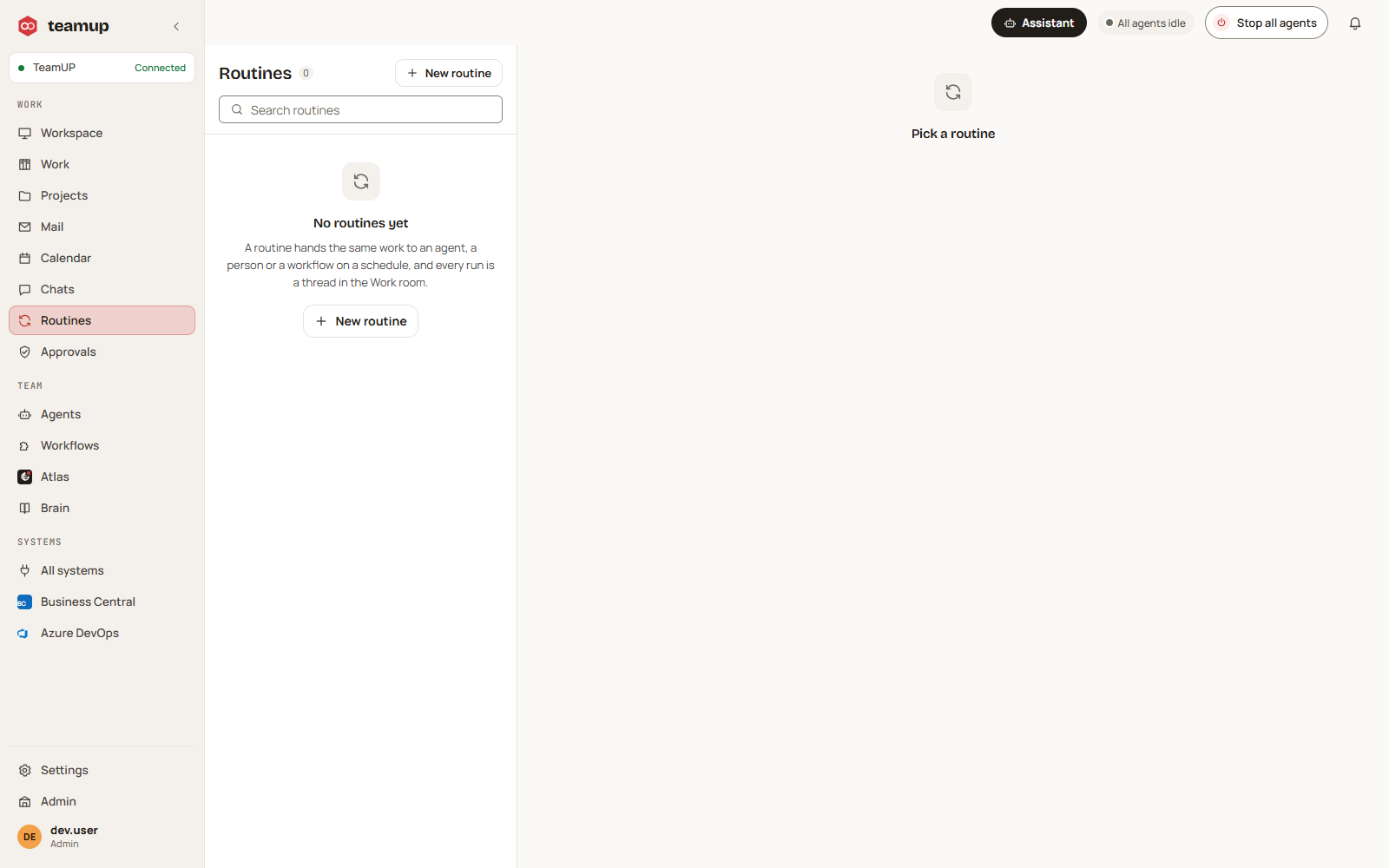
Repeat work on a schedule, with an owner.
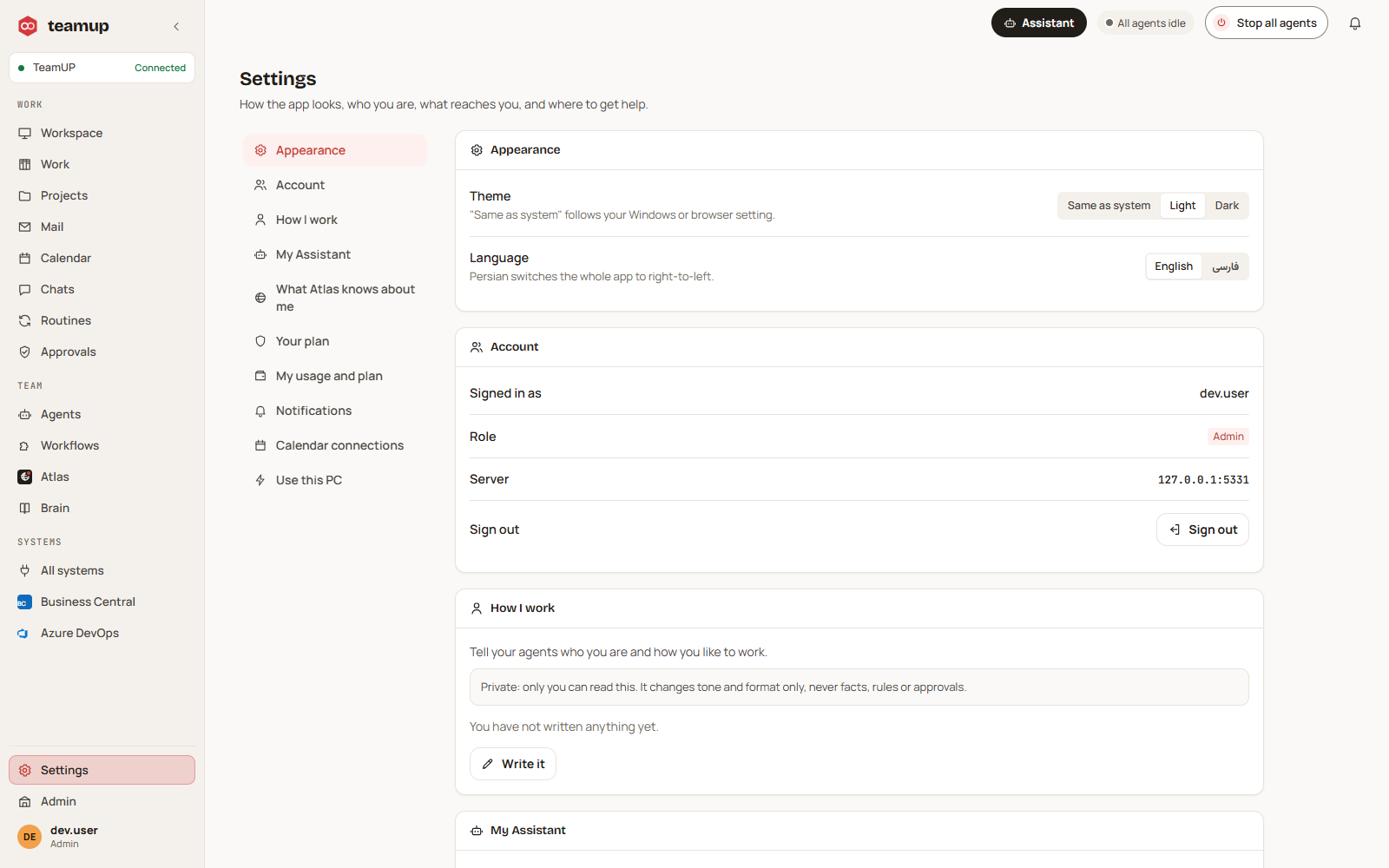
Your own settings, and the assistant that learns only if you switch it on.
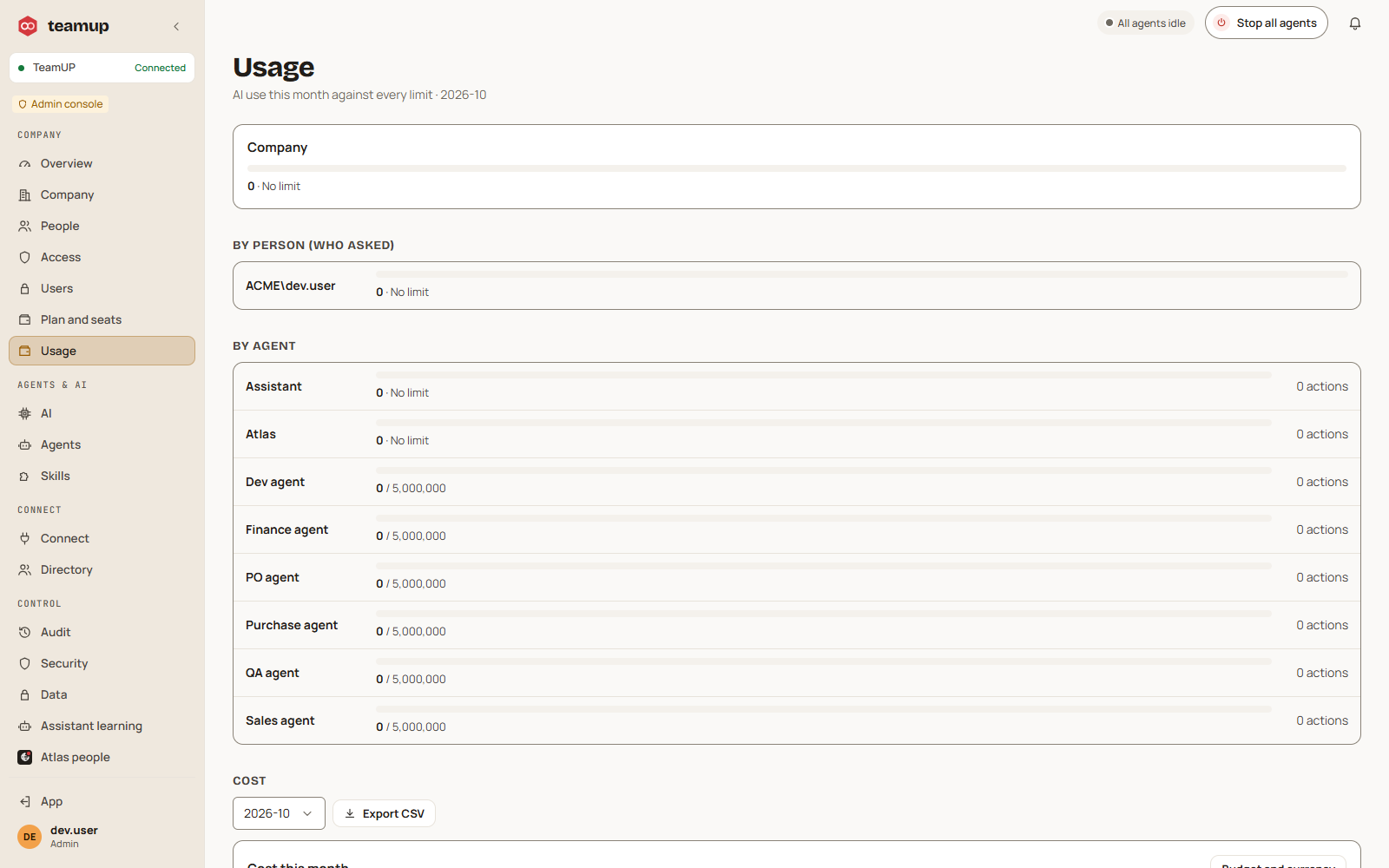
The admin console shows what is used and what limits are set.
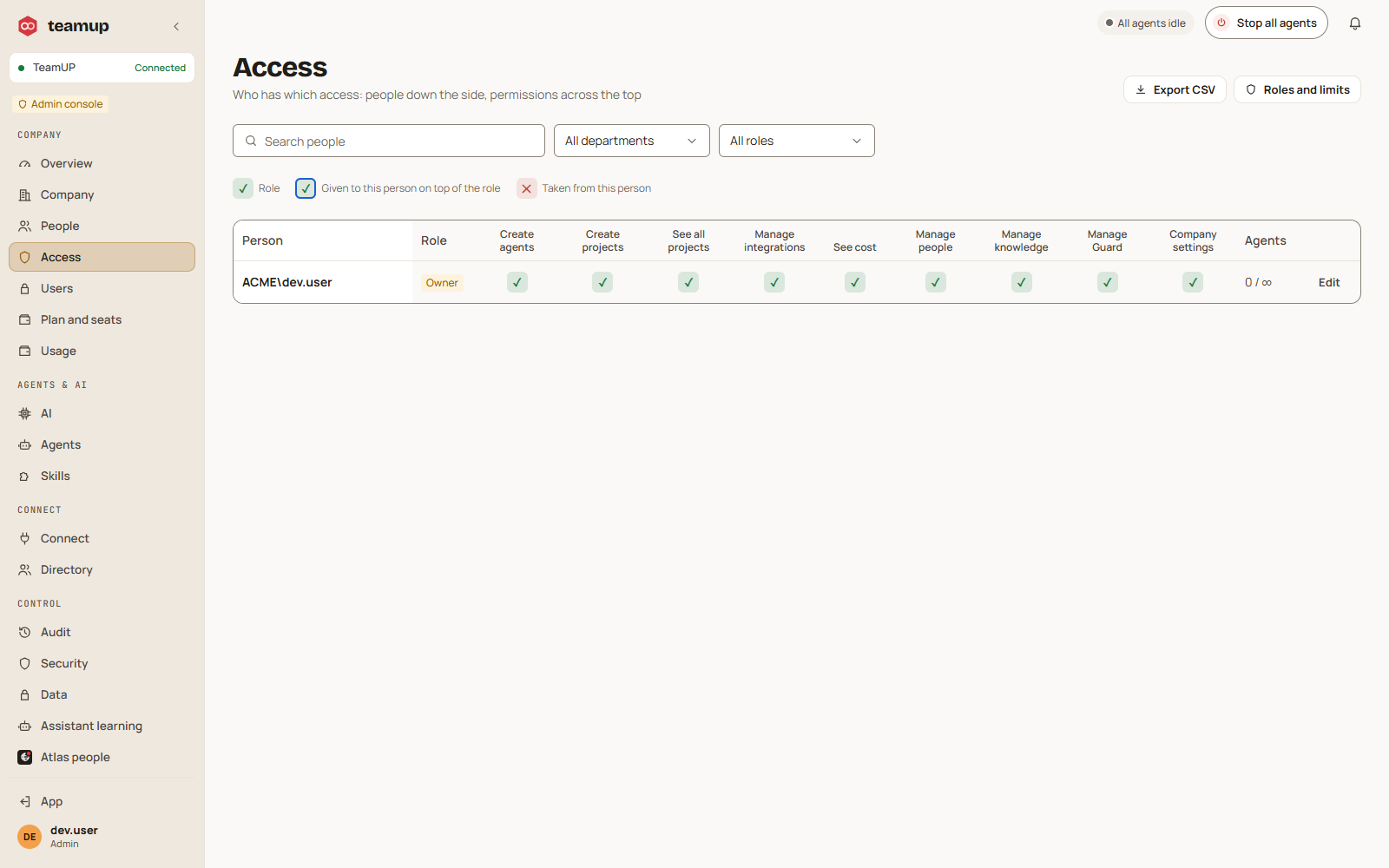
Who can do what, in one table.
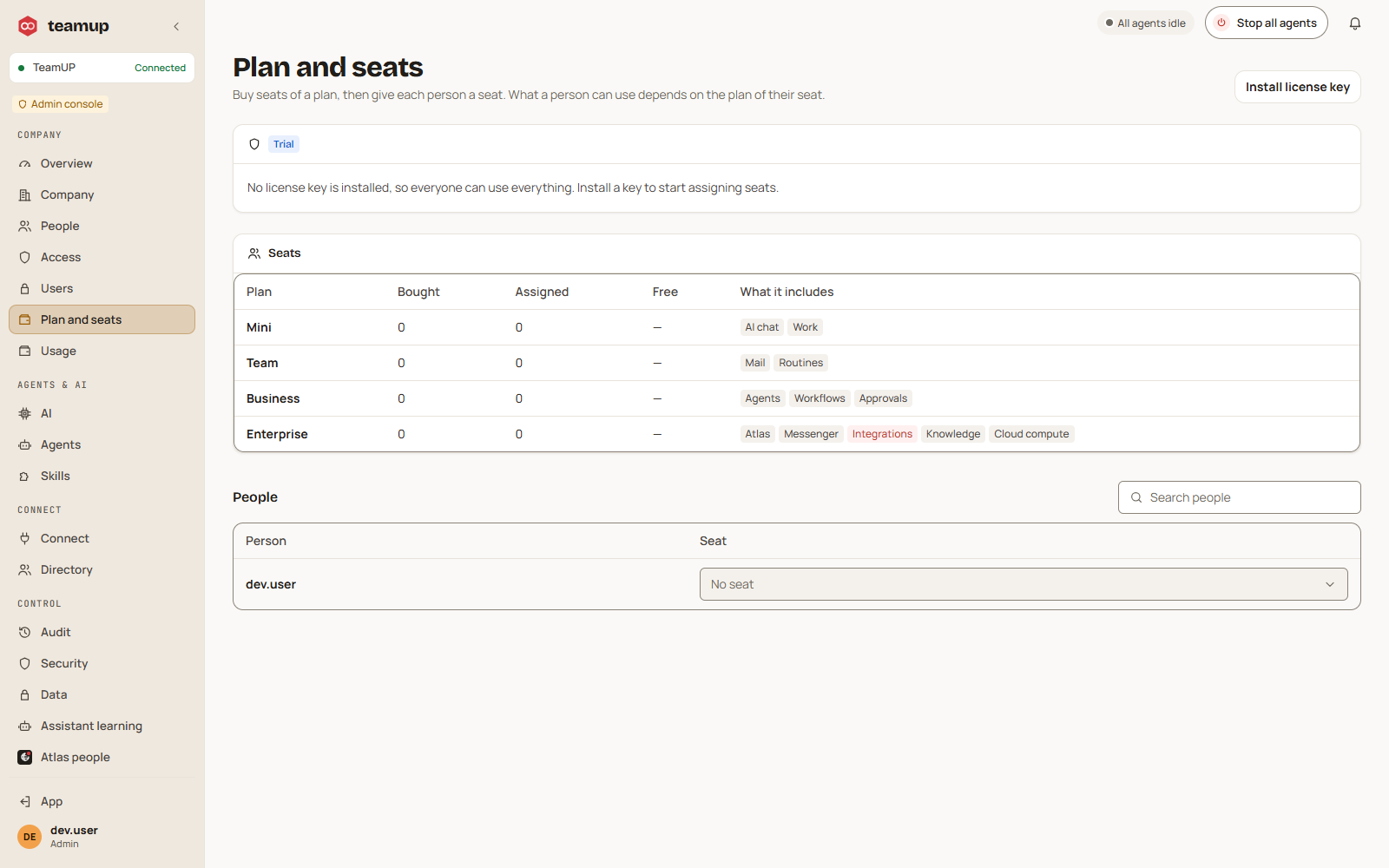
Give each person a seat of a plan.
From overdue lists to documents ready for approval.
Purchasing, warehouse and back office, with a paper trail.
Answers before the call, follow-ups after it.
Control, identity and cost, in one admin console.
Atlas answers from the company's own material. Every answer is limited to what the person asking may see, and it never acts by itself: it hands work to agents.
Before a message leaves, Guard checks it against the rules the company confirmed and a few built-in checks (secrets, insults), in chat, work, projects and email. Modes: off, coach (a private warning) and guard (some findings must be fixed). Rules can act instantly, for example notify a manager or hold an email.
Off by default. When you switch it on it learns only from what you do inside TeamUP, shows its evidence, never acts without a yes, and keeps what it learns private to you unless company policy allows more. There is a visible notice and an audit trail.
Files are scanned for viruses before anyone can download them. Voice messages are transcribed by the speech model you configure. How well Persian scans are read depends on the vision model you pick; we have not published accuracy figures.
We connect one of your systems and run a real task with you, from the request to the approval.
Request a demo